Pet Breeding Genetics
for Project Gorgon
A free desktop app to upload, visualise, and edit pet genome data. Understand your pets' genetics and breed smarter.
See It in Action
Features
Genome Upload
Import pet genome .txt files directly from Project Gorgon. Drag-and-drop or use native file dialogs.
Gene Visualisation
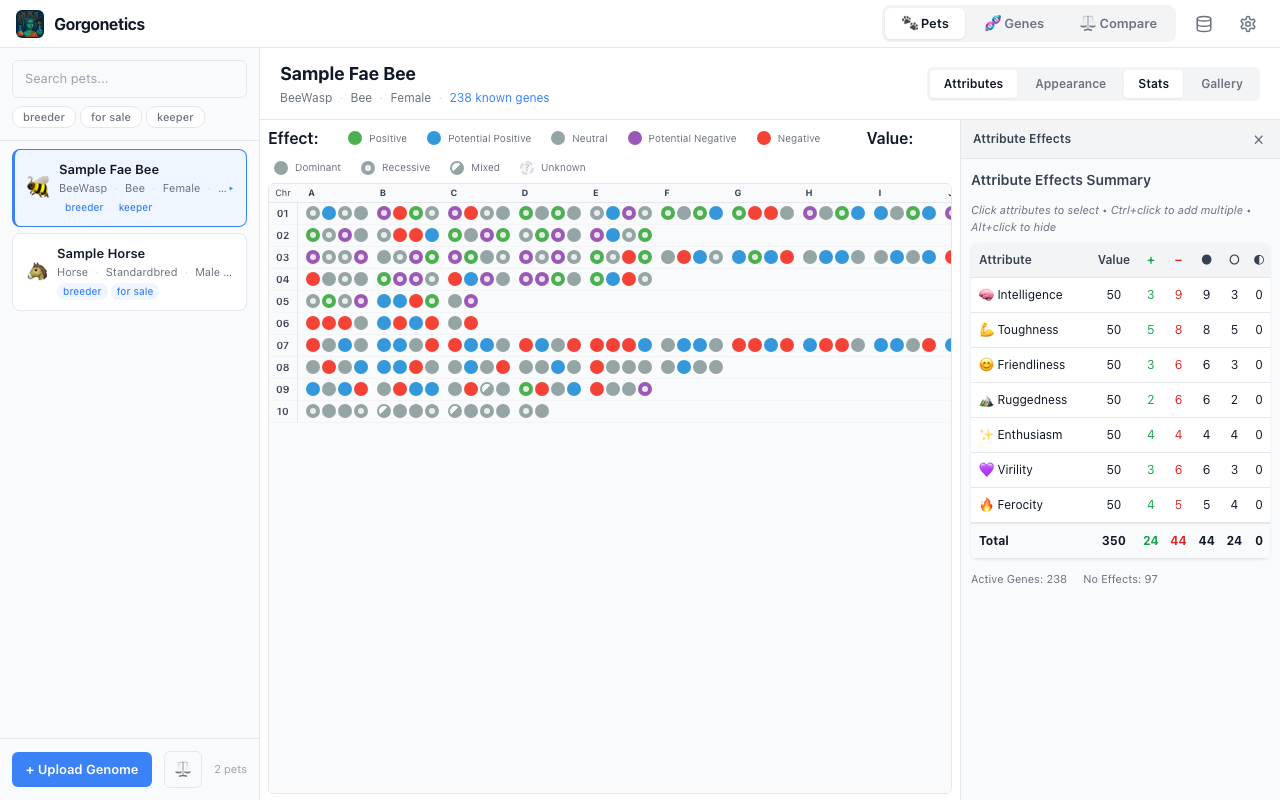
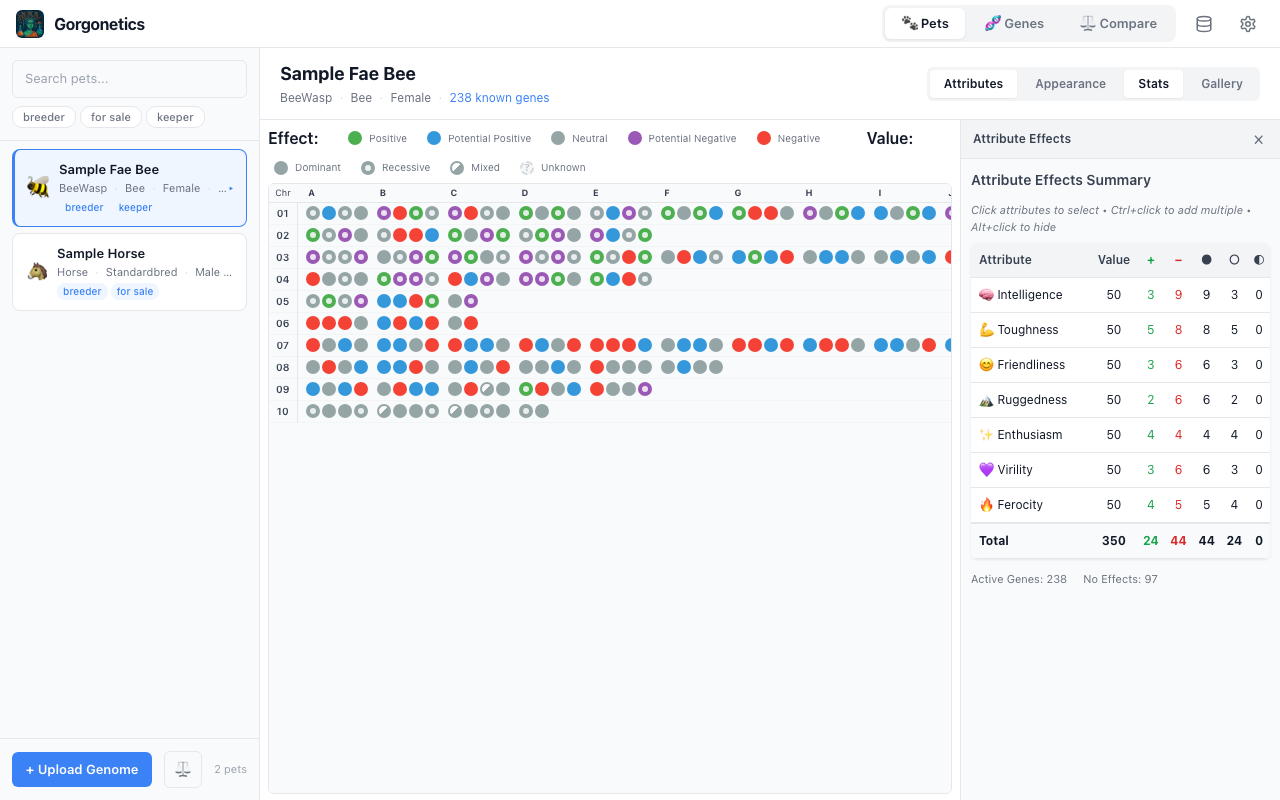
Interactive colour-coded grid showing every chromosome and gene effect. Switch between attribute and appearance views.
Gene Editor
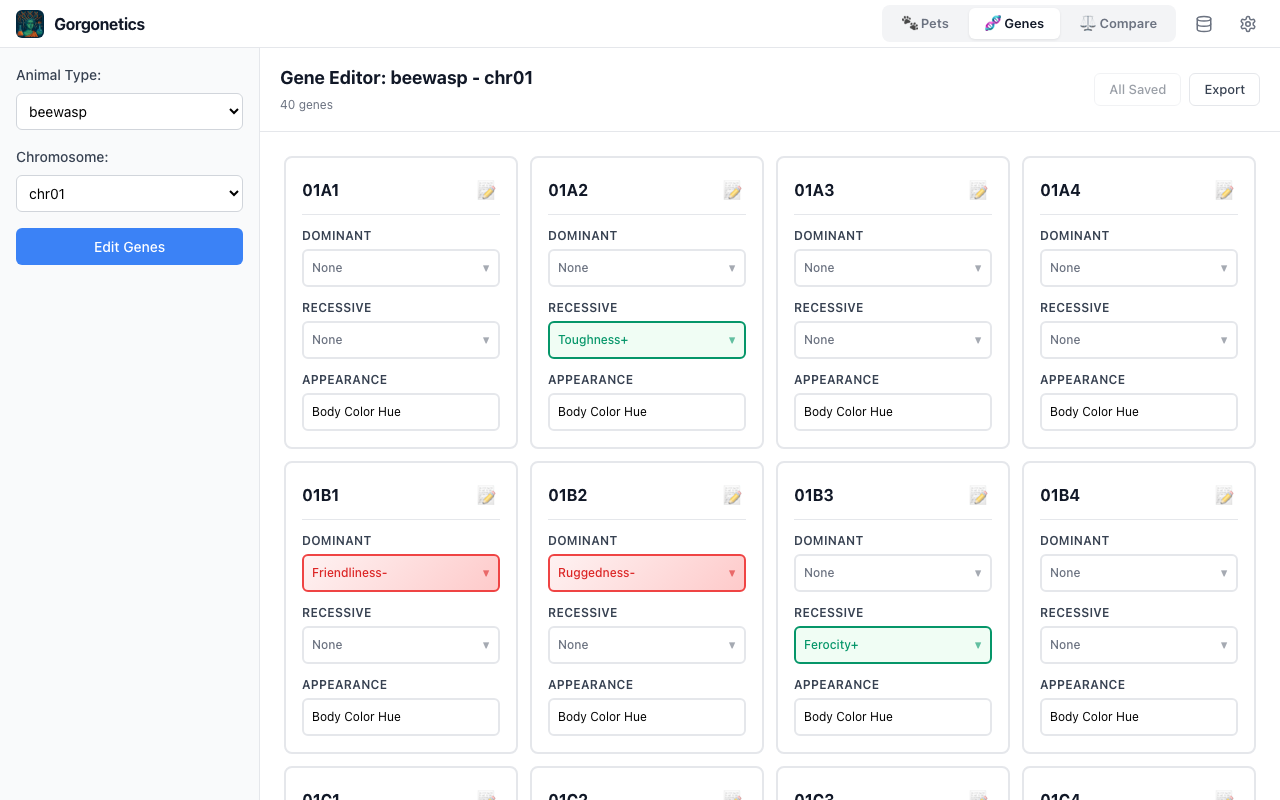
Edit dominant and recessive gene effects per chromosome. Define custom gene templates for any species.
Attribute Stats
See summarised attribute scores (Toughness, Ferocity, Intelligence, etc.) with counts and breakdowns.
Multi-Species
Supports BeeWasp (10 chromosomes) and Horse (48 chromosomes) with species-specific attribute configs.
Local & Private
All data stored locally in SQLite. No accounts, no cloud, no tracking. Your pet data stays on your machine.
Download
Latest release: loading…
macOS
.dmg and drag to Applications. On first launch, right-click → Open to bypass Gatekeeper.
Windows
Couldn't load the latest release automatically. Browse releases on GitHub.
Installation Guide
macOS
- Download the
.dmgfile above - Open the
.dmgand drag Gorgonetics into your Applications folder - On first launch, macOS will block the app because it's unsigned. Right-click the app → Open, then click Open in the dialog
- Alternatively, go to System Settings → Privacy & Security and click "Open Anyway"
Windows
- Download the
.exeinstaller above - Run the installer — it will guide you through the setup
- If Windows SmartScreen shows a warning, click "More info" then "Run anyway"
- Launch from the Start Menu or desktop shortcut